How Much Does It Cost to Port an Indie Game to Consoles? (2026)
A porting house charges $10,000 to $50,000 per platform. On Unity or Unreal, a port mostly costs time: 3 to 6 months per console. Here is the full 2026 breakdown, from dev kits to certification.
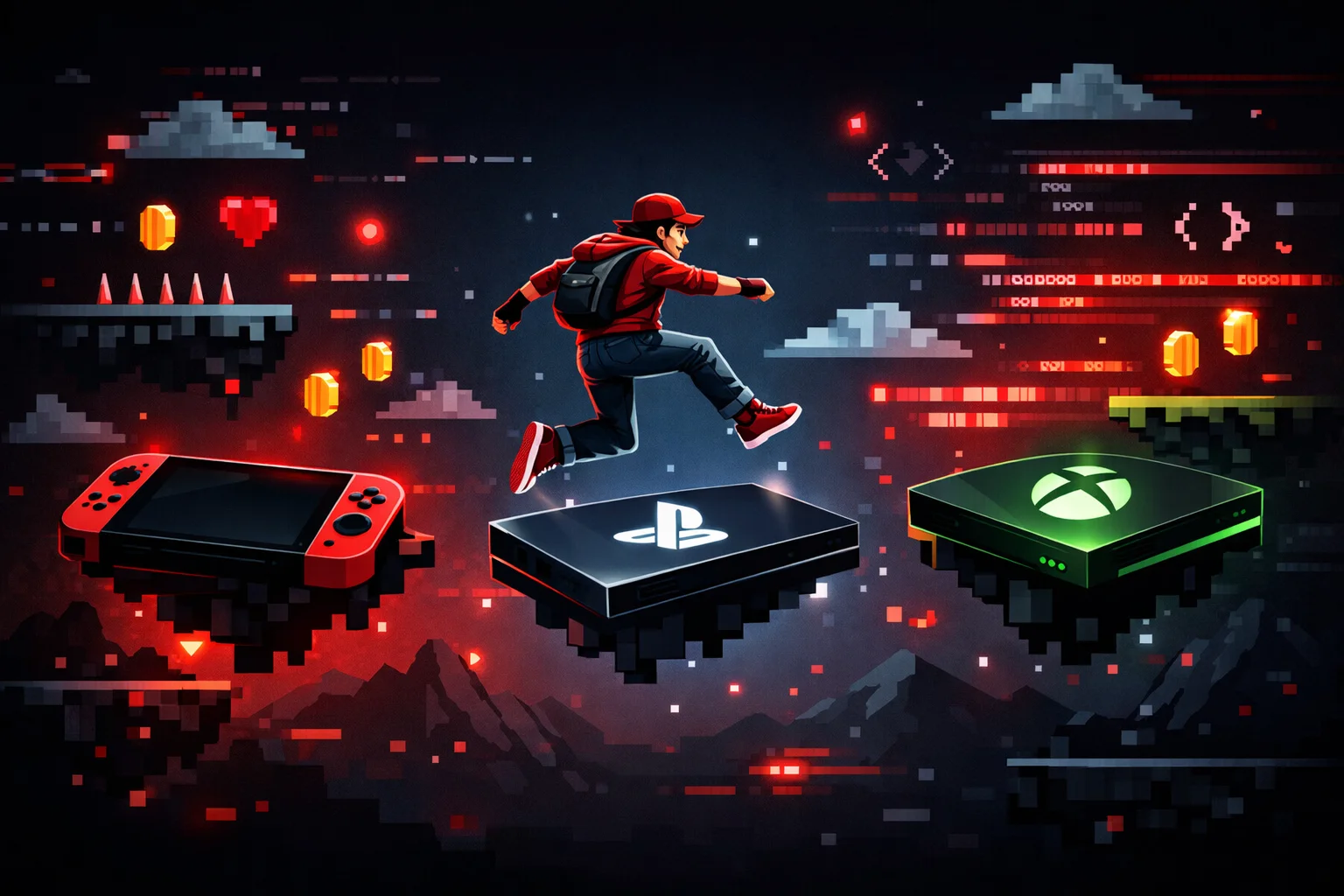
Your game works on PC. People are buying it. The wishlists are climbing. And now someone in your Discord asks the question you have been thinking about for months: “When is it coming to Switch?”
Console ports are where indie games find their second life. Hollow Knight, Undertale, and Stardew Valley all started on PC. All three exploded on consoles. In 2025, indie games generated roughly $4.4 billion on Steam alone, accounting for 25% of the platform’s total revenue. But consoles unlock audiences that never touch Steam. The question is not whether you should port. It is how.
This guide walks you through the entire process. From applying for dev kits to surviving certification, with real costs and timelines.
The Short Answer: Console Porting Costs in 2026
If your engine exports to consoles natively (Unity, Unreal), porting mostly costs time: 3 to 6 months of work per platform. If it does not (Godot, GameMaker, custom engines), a porting house will charge $10,000 to $50,000 or more per platform.
| Cost item | What to expect in 2026 |
|---|---|
| Nintendo Switch dev kit | A few hundred dollars per unit |
| PlayStation 5 dev kit | Free (loaned by Sony for up to two years) |
| Xbox dev kits | Free (two kits via ID@Xbox) |
| DIY port on Unity or Unreal | 3 to 6 months of work per platform |
| Porting house (Godot, custom engines) | $10,000 to $50,000+ per platform |
| Certification | Free, but budget 2 to 3 submission rounds over 6 to 10 weeks |
| Age rating (digital, via IARC) | Free |
| Age rating (physical, ESRB/PEGI) | Several thousand dollars |
| All three consoles via a porting house | $30,000 to $150,000+ total |
The rest of this guide breaks down where those numbers come from and how to keep them on the low end.
Is Your Game Ready?
Before you contact a single platform holder, answer these questions honestly.
Does your engine support console export? Unity and Unreal Engine both have native console export pipelines. If you built your game in either one, you have a head start. Godot does not have native console support. You will need a third party porting service, which adds significant cost. Custom engines are in the same boat. If you are still choosing an engine, read our engine comparison guide before making a decision.
Is your game controller friendly? If your game requires a mouse or keyboard shortcuts, you need to rethink the input system before porting. Console players expect every action to be reachable with a gamepad. This includes menus, inventory screens, and text input.
Is your PC build stable? Consoles have less RAM and slower storage than most gaming PCs. If your game has memory leaks, long load times, or frame drops on mid-range PC hardware, those problems will be worse on console. Fix them first.
Is your UI readable on a TV? Text that looks fine on a monitor at arm’s length becomes unreadable on a television across the room. Font sizes, button prompts, and HUD elements all need to be scaled up for the living room.
If you answered yes to all four, you are ready to start.
Getting Dev Kits
Every console platform requires you to register as a developer and apply for development hardware before you can start porting. Here is how each one works.
Nintendo Developer Portal
Nintendo’s developer program is free to join. You can register as an individual or as a company at developer.nintendo.com. The registration takes minutes and does not require prior published games.
Once approved, you can request Nintendo Switch and Switch 2 development kits. The kits themselves cost money, but Nintendo does not publicly list prices. Expect to pay a few hundred dollars per unit.
One important caveat: Switch 2 dev kit availability is still limited as of early 2026. Nintendo has been prioritizing studios whose games need the extra hardware power, and reports suggest many developers are still waiting. The original Switch dev kits are much easier to obtain, and Switch 1 games run on Switch 2 through backward compatibility.
Nintendo’s certification process (called Lotcheck) is known for being strict. Plan for that from day one.
PlayStation Partners
Sony requires you to be a legal entity (a corporation or registered company) to join PlayStation Partners. Sole traders are accepted in Europe. Register at partners.playstation.net.
The good news: Sony offers a complimentary PS5 development kit and test kit to newly registered partners. The hardware is loaned for up to two years. This program is available in the US, Canada, Europe, UK, Australia, New Zealand, and most of Asia.
After registering, you submit your game concept. Once accepted, Sony’s team contacts you about the hardware loan terms. Approval timelines vary, but expect several weeks.
Sony’s certification process uses TRC (Technical Requirements Checklist) and is famously rigorous. They focus heavily on memory management, PSN integration, Trophy implementation, and DualSense controller features.
ID@Xbox
Microsoft’s ID@Xbox is the most accessible of the three. Register at xbox.com/id, sign an NDA, and submit your game pitch.
Approved developers receive two free development kits and access to the Xbox GDK (Game Development Kit), documentation, and publishing tools. The program is designed for self-publishing. You do not need a publisher to ship on Xbox.
There have been reports of dev kit delivery delays for some studios, but Microsoft has been expanding the program. The GDK also lets you target both Xbox consoles and Windows PC from the same codebase, which simplifies your build pipeline.
Xbox uses TCR/XR (Technical Certification Requirements) for certification, with emphasis on Xbox ecosystem integration: cloud saves, profile switching, Quick Resume support, and accessibility guidelines.
The Porting Process
Getting dev kits is the easy part. The actual porting work is where the time and money go.
Engine Native Export
If you are on Unity or Unreal Engine, the porting path is relatively straightforward. Both engines handle the heavy lifting of compiling for console hardware. You still need to optimize performance, adapt the UI, and handle platform specific features (trophies, achievements, controller APIs), but you are not rewriting core systems.
For Unity developers, read our Unity in 2026 guide for details on the current console export pipeline. For Unreal, our Unreal Engine indie guide covers the specifics.
Third Party Porting (Godot, Custom Engines)
If your game runs on Godot, GameMaker, MonoGame, or a custom engine, you will need external help. Godot in particular has no official console export. Third party porting services handle the conversion, and costs range from $10,000 to $50,000 or more per platform depending on the game’s complexity.
This is not a minor expense. Budget for it early or plan to stick with engines that have native console support.
Platform Specific Work
Beyond the core port, each platform has unique requirements:
- Nintendo Switch: ARM architecture means tighter memory budgets. Joy-Con support (detached, handheld, and Pro Controller modes). Touch screen support for handheld mode is optional but appreciated.
- PlayStation 5: DualSense haptic feedback and adaptive triggers. Trophy system implementation. Activity Cards for the PS5 control center.
- Xbox Series X|S: Smart Delivery (one purchase works on both console tiers). Achievement system. Xbox Play Anywhere if you also sell on the Microsoft Store.
Certification: The Gate Before Launch
Certification is the process where the platform holder tests your game against their technical requirements. Pass certification, and your game is approved for sale. Fail, and you fix the issues and resubmit.
What Gets Tested
All three platforms test for the same baseline: the game must not crash, must not corrupt save data, must handle controller disconnection gracefully, and must meet the platform’s UI and branding guidelines. Beyond that, each platform has specific requirements (trophies, achievements, system menu behavior, suspend/resume handling).
Common Rejection Reasons
Crashes and hard locks. The number one rejection reason across all platforms. Your game must be stable under extended play sessions, rapid menu navigation, and edge cases like pulling the power cable during a save.
Suspend and resume failures. Console games must handle the system going to sleep and waking up without losing state or crashing. This is easy to overlook during PC development.
Save data corruption. Nintendo is especially strict about this. Your save system must be bulletproof.
Memory leaks. Sony’s TRC testing is particularly thorough here. A game that runs fine for 30 minutes but leaks memory over four hours will fail.
Missing platform features. Forgetting to implement trophies, achievements, or required controller behaviors.
Timeline
Expect one to four weeks per submission for certification review. First submissions almost always get sent back with issues. Budget for two to three rounds of submissions per platform. The total certification timeline for one platform is typically six to ten weeks from first submission to approval.
Pro tip: Submit to the strictest platform first (usually Nintendo or Sony). Fix those issues, and you will likely pass Microsoft’s certification on the first try.
Age Ratings
Your game needs an age rating before it can be sold on any digital storefront. The good news: the IARC (International Age Rating Coalition) system makes this free and fast for digital releases. You fill out a questionnaire about your game’s content, and IARC generates ratings for ESRB (North America), PEGI (Europe), USK (Germany), and other regional bodies automatically.
All major console storefronts (Nintendo eShop, PlayStation Store, Microsoft Store) participate in IARC. For digital only releases, there is no cost.
Physical releases are different. ESRB and PEGI charge separate fees for boxed copies, which can run several thousand dollars. Most indie developers skip physical until sales justify the investment.
Budget and Timeline
Here are realistic numbers for a small indie team (one to five people) porting to all three consoles.
If your engine supports native console export (Unity/Unreal):
- Porting and optimization: 3 to 6 months of work per platform
- Certification: 6 to 10 weeks per platform (including resubmissions)
- Age ratings: free via IARC for digital
- Total timeline: 6 to 12 months for all three platforms (with some overlap)
If you need a porting house (Godot/custom engine):
- Porting service: $10,000 to $50,000+ per platform
- Certification: same timeline as above
- Total budget: $30,000 to $150,000+ for all three platforms
- Timeline: 4 to 8 months per platform (porting houses work faster than solo devs)
These numbers assume a moderately complex 2D or simple 3D indie game. If your game is a massive open world with online multiplayer, multiply everything.
Should You Hire a Porting House?
A porting house is a studio that specializes in bringing games to new platforms. They handle the technical conversion, optimization, certification testing, and sometimes even publishing.
Hire a porting house if:
- Your engine does not have native console export (Godot, custom)
- You do not have experience with console development
- You want to launch on multiple platforms simultaneously
- Your team is too small to split between new content and porting work
Do it yourself if:
- You are on Unity or Unreal with native console support
- You have shipped on console before
- You only need one platform
- Budget is extremely tight and you can invest the time
Established Porting Studios
Several studios have built their reputation on indie porting work:
- BlitWorks (Spain): specialists in indie console ports with 35+ employees and a custom C# to console conversion tool. They have ported some of the most well known indie games since 2012.
- Seaven Studio: focused specifically on indie games, supporting Unity, Unreal, Godot, GameMaker, MonoGame, and Construct. They handle Switch, PS5, and Xbox Series.
- Pingle Studio (Ukraine): co-development and porting for Unreal and Unity titles, with clients including tinyBuild and Techland.
- Devoted Studios: a distributed team handling porting, optimization, and QA across all current gen platforms.
Most porting houses offer free initial consultations. Reach out with your game’s technical details (engine, target platforms, game size) and ask for a quote before committing.
Start With One Platform
If the budget and timeline for three simultaneous ports feels overwhelming, start with one. Nintendo Switch (including Switch 2) is usually the best first console for indie games. The audience actively seeks out indie titles, the eShop has strong discoverability for new releases, and the install base is massive.
Check out our lists of successful indie games on Switch and PlayStation to see what kinds of games perform well on each platform.
Once you have one console port shipped and generating revenue, use those earnings to fund the next one. When you are ready to promote across platforms, our indie marketing guide covers multi-platform launch strategy.
Your game deserves more than one storefront. Go get those console players.
Written by
Stive Godin
Web dev by profession, gamer by passion. Always chasing the next great game and the next personal best in the gym. Building websites, playing games, and lifting heavy things.